There's no time to lose on TikTok; a video can be out of sight with the next swipe, but well-placed lyrics can make people stop, understand a song, and save or share it.
The issue lies with the editing. Creating a vertical video from a song and its lyrics can take hours of careful text placement, caption fixing, and more. Thankfully, modern editing software handles most of that. Here are seven editors we tested for use on TikTok.
What Makes a Great TikTok Lyric Video Maker?
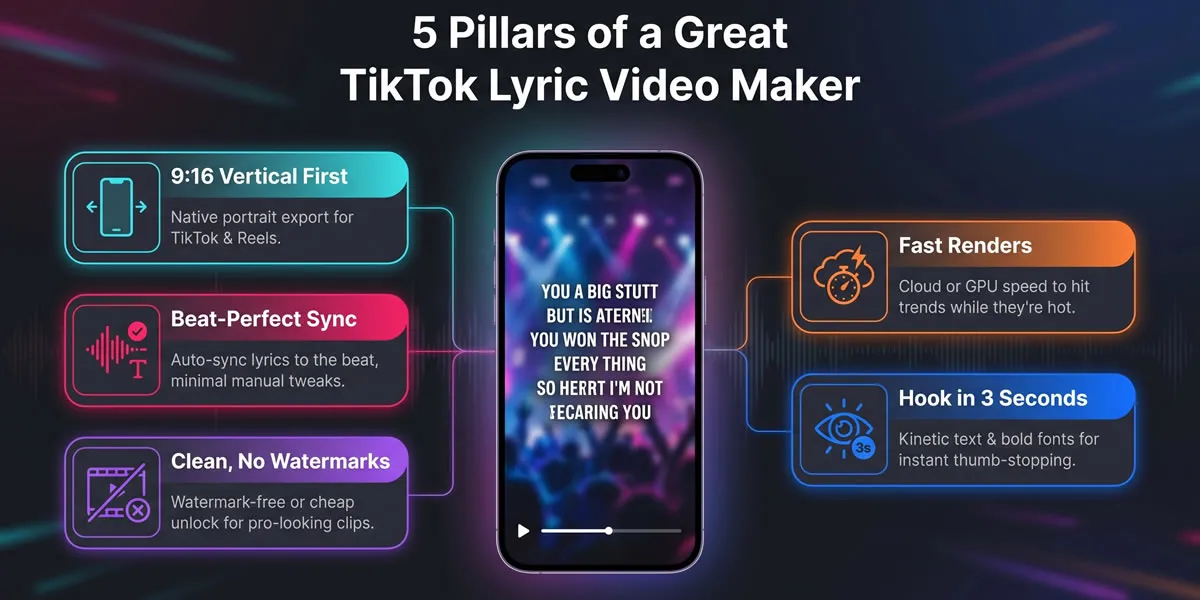
Even before considering such features as effects or AI, your lyrics should be correct. One miswritten word cannot help but stand out on a smartphone screen. First of all, use a reliable source to have your lyrics verified; this is especially important for urgent orders, slang, and non-standard writing. When it comes to TikTok, the vertical 9 × 16 output format becomes the primary concern for you. Portrait format will save you time by avoiding unnecessary cropping and black bars.
Watermarks also come into play. Free versions have their place, especially when it comes to experimenting, but it might be worth spending some money on a clean export while launching the product. Time also plays its part because the trends come and go quickly, and no one likes spending their night exporting a 20-second song chorus. Lastly, it should start with a splash, which doesn’t necessarily mean animation; just a nice font with a decent background and some movement is enough.
1. Neural Frames: AI Autopilot for Studio-Grade Visuals
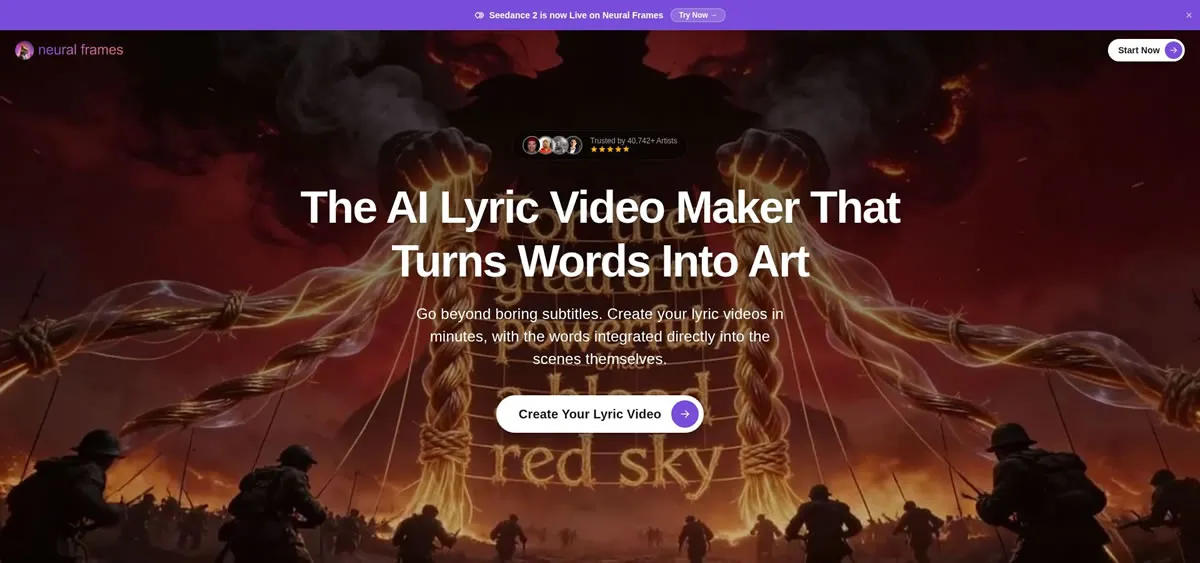
Neural Frames seems like the best choice for creators willing to automate production while not sticking with simple caption videos. You upload the track, and the system will transcribe the lyrics, add words in sync with the audio, and create an animation based on that song. It seems more like a music video than text on top of an image.
The output is made in the TikTok format initially, so the setup is simple. If you are not satisfied with the first attempt, you can change the font, add footage of your own, tweak the timing, or do editing frame by frame.
Quick wins:
- Vertical TikTok export already set
- Word-level lyric sync with minimal manual adjustment
- AI-generated visuals that can match different musical moods
- Batch-friendly workflow for artists producing multiple videos
Musicians who want to focus on making music instead of fiddling with animation settings will find this process appealing. Neural Frames claims that a full lyric video can usually be finished in about 10 to 15 minutes using its Autopilot feature. This makes it particularly useful when a song is about to be released.
2. CapCut: The Free and Friendly Mobile Workhorse
CapCut remains one of the easiest ways to access TikTok. It has a natural vertical workflow, and the “Text” to “Auto Caption” function creates a timed lyric track in seconds. It may require occasional corrections from time to time, but all corrections are easy to make without the need to study an additional timeline.
The most important thing about CapCut is that it’s familiar. Text effects, presets, strokes, glows, and fonts optimized for phones are always at hand, so a chorus cut looks good with no complex workflow.
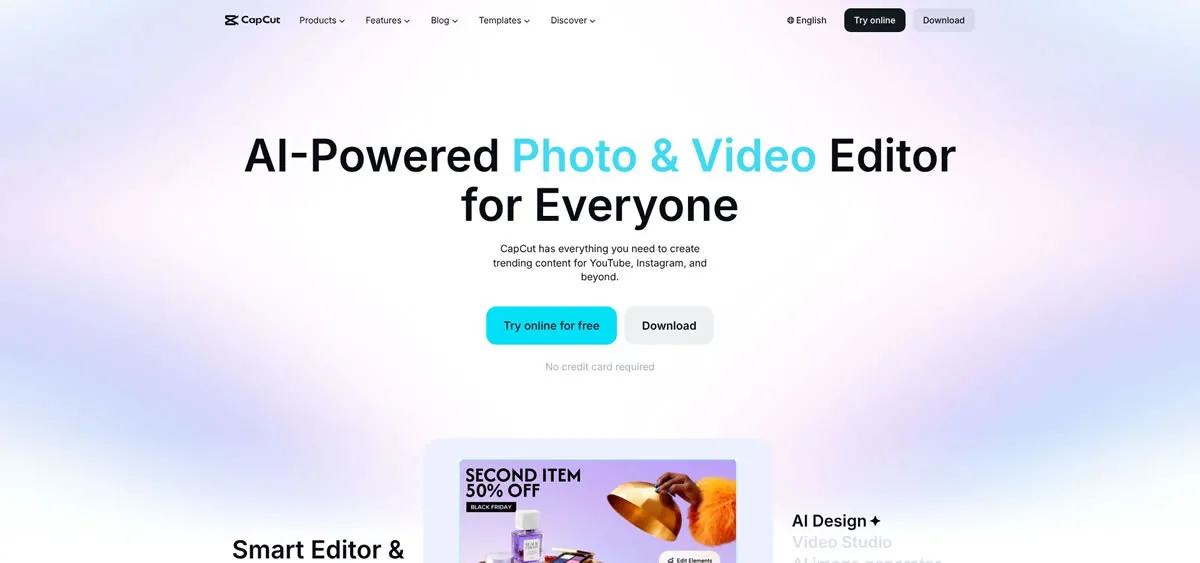
CapCut won’t do fancy AI backgrounds or choreography for your song. But if you have some cover art or performance footage, this app provides you with enough options and won’t make the workflow too difficult.
3. FlexClip: Template Speed With Cloud Convenience
FlexClip will be a good solution for users who are more comfortable working on a browser platform. FlexClip's templates take care of the visual part beforehand, including animations, backgrounds, and transitions that all require just your music and lyrics to complete.
Simple changes to font, colors, timing, and positioning remain available at the click of a button. Cloud rendering eliminates the requirement of an expensive computer, making it convenient for artists switching from one computer to another.
This will be enough for you to understand the process since the paid versions give you more options for exporting, more time to create videos, and more stock assets. While it may not look as sophisticated as Neural Frames, it falls between manual and artificial intelligence-based video creation.
4. VEED.IO: Subtitle Control for Precision-Focused Creators
The platform has an excellent subtitle process. Upload the song, get auto-generated subtitles, and work on the transcript with real-time timing being adjusted automatically with the video. With complex verses and subtle wording, the precision could be quite important.
It is possible to zoom in on the waveform, make adjustments to each line of the transcript, and incorporate visualizations like waveforms or flashes. The details will keep the screen occupied without distracting from the lyrics.
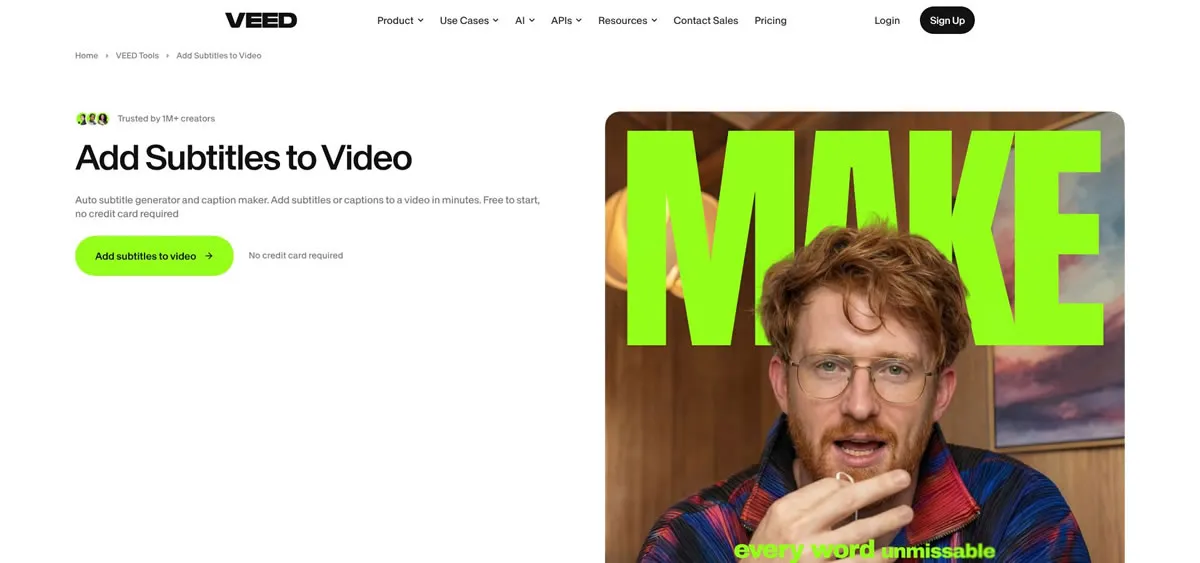
The free plan is great for testing, but it comes with certain limitations like watermarks and low-resolution export. The paid version allows you to get clean, high-res versions. VEED is best suited for cases when accurate captions and precise timing are more important than visual creation.
5. Kapwing: Straightforward Lyric Editing in the Browser
Kapwing makes everything very easy. Choose a background picture, video, or solid color; select the subtitle options and type in your lyrics; then time each lyric to the music. The process is less like using video editing software and more like marking up a lyric sheet.
Its timing controls are straightforward, making little adjustments very easy to make. The design is usually more sleek than flashy, which suits this application well considering that many of these songs have lyrics meant to be the focal point of the video.
The watermarked, lower-quality free version means upgrading is worth considering. This program may not be the most exciting choice available, but it is reliable when all that is needed is easy-to-read lyrics on top of a nice background picture.
6. Animaker: Kinetic Typography for Bigger Visual Energy
For anything that could do with dynamic typography, the program called Animaker would clearly be the one to use. It offers all kinds of possibilities for creating kinetic typography – making text fly, rotate, bounce, or explode in rhythm with the beat. This would suit pop songs, electronic tracks, novelty tunes, or any other song where there is a need to exaggerate.
The program is fairly user-friendly, since it places the text layer onto the timeline, where animations are pre-set for you to choose from. The color scheme may be matched with your brand, timing of the entrance can be synchronized with a particular sound effect.
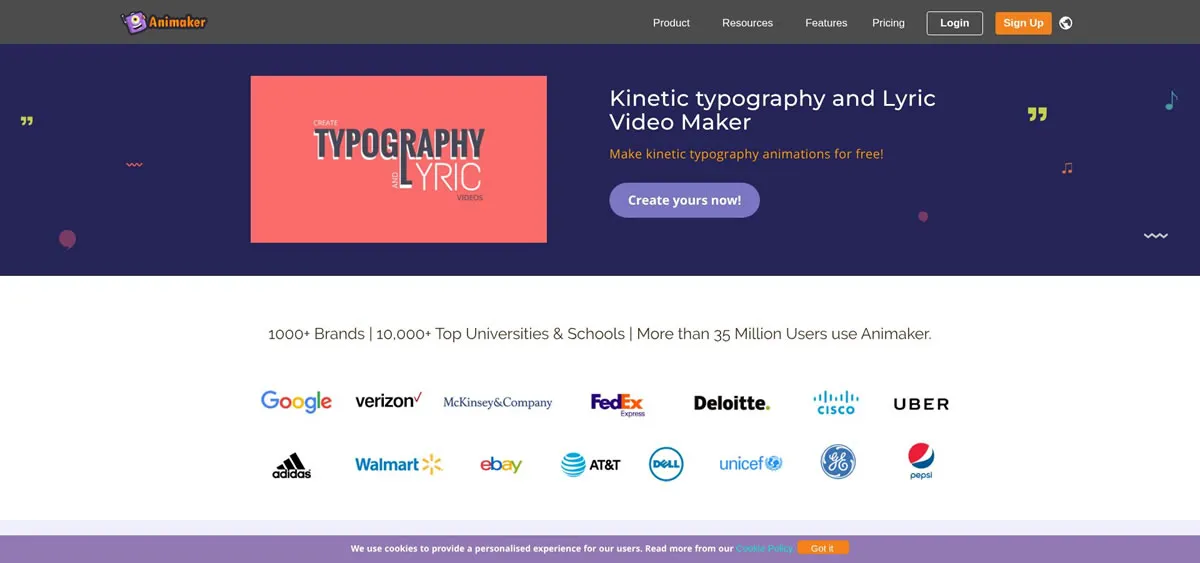
If you like your animation busy and fancy, you will have to spend more time editing. Also, there is a watermark in the free version.
7. Descript: Strong Transcription With Karaoke-Style Captions
Descript’s approach to making lyric videos begins by importing the audio, transcribing it, and editing the text as if it were just another document. Changes to the text change the timeline, making corrections to lyrics that may have been misunderstood extremely easy.
The ability to have the app’s Fancy Captions function highlight each word as it is being sung creates an effective, simple karaoke-like effect that will look great on your phone screen. You can also add video footage and motion while remaining in your desktop app.
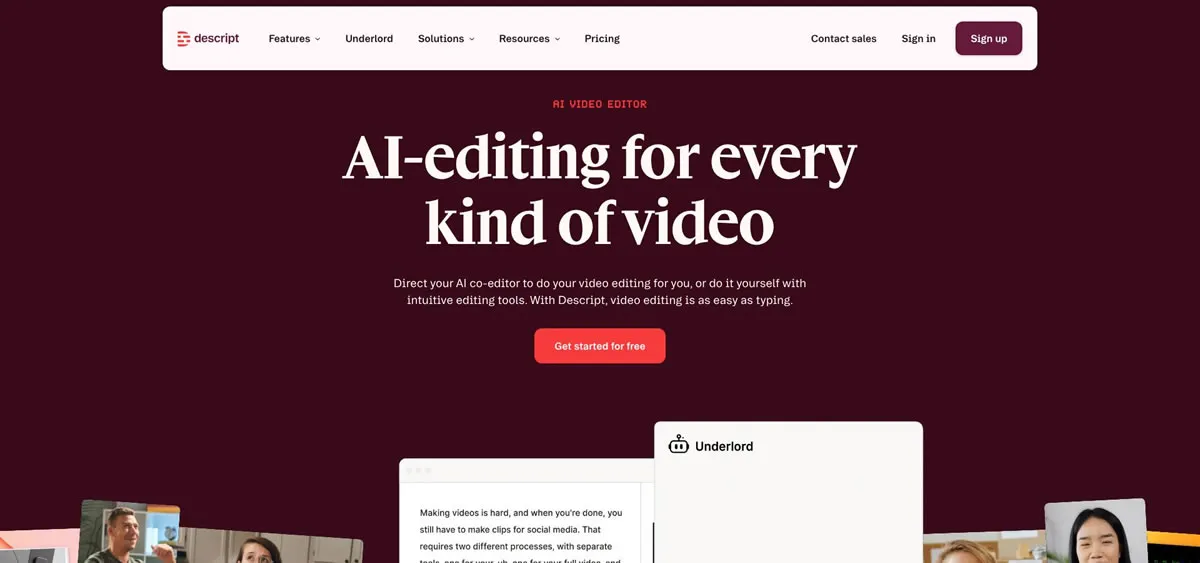
Visual effects aren’t Descript’s strong suit. The app excels at clarity. For raps, singer-songwriter tunes, or any song where the listener needs to understand all the lyrics clearly, transcribing can be more important than any visual pizzazz.
Free vs. Paid: Picking the Right Lane for Your Budget
Free tools will get you farther than you might think. For vertical videos and auto-captions without subscribing right away, I like CapCut. You can use FlexClip, Kapwing, and Descript for their key functions, but watermarks and export limitations may exist.
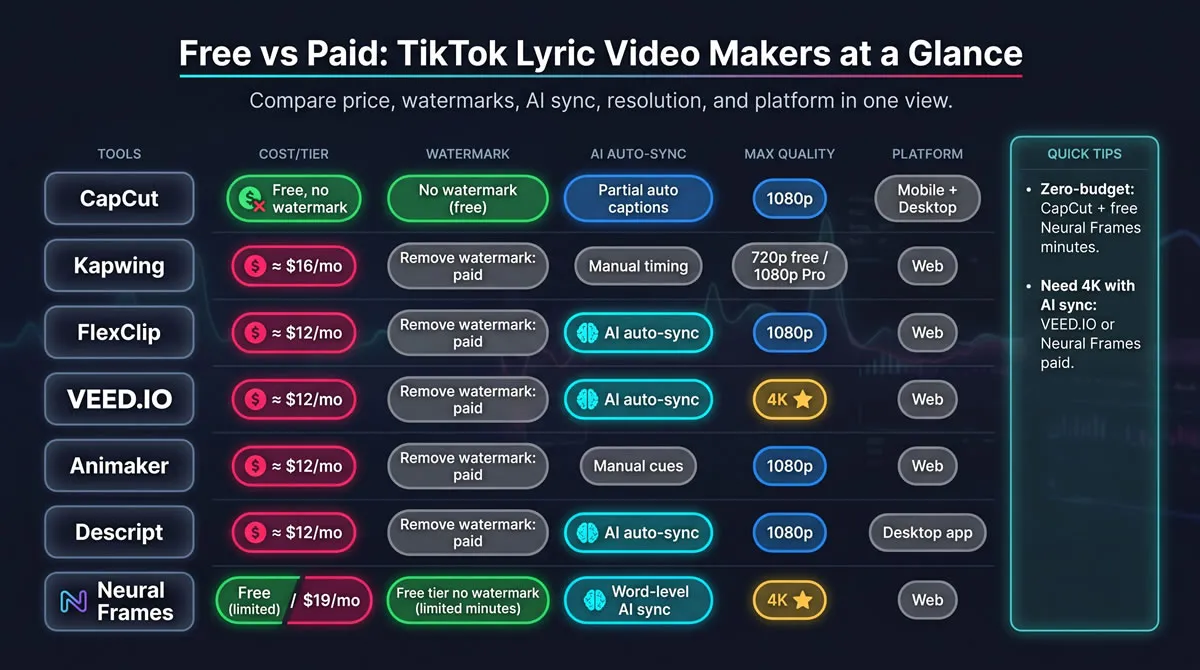
Subscriptions primarily help save time, strip the branding, and provide better results. Neural Frames helps eliminate syncing and graphic design work, VEED helps create the perfect subtitles, while Animaker provides more choices for animations if that plays a role in your concept.
When you drop a few singles per year, then you don't necessarily need to subscribe. Just paying for one month before the release can provide you with several pieces of content to use for TikTok, Reels, Shorts, and other promotional clips.
Conclusion
Use the table as a shortcut, not a rulebook. Start with the tool that fits your current budget and editing patience, then upgrade when manual work becomes the real bottleneck.
The apps will keep changing, but the formula is unlikely to: start with accurate lyrics, work vertically, keep the timing tight, and give viewers a reason to stay through the opening seconds. A simple lyric clip can then become one of the most useful assets around a release.